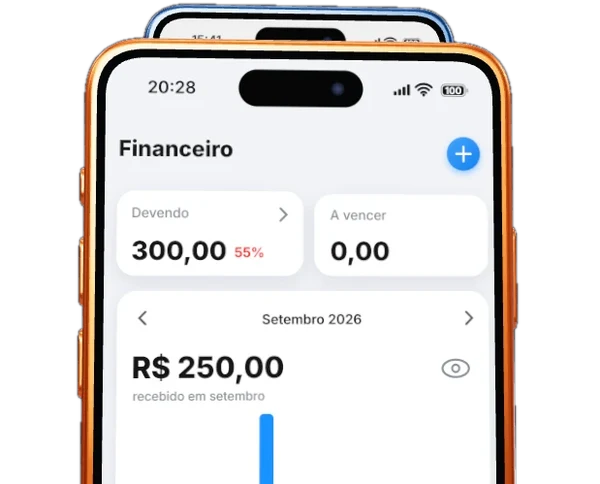
A screen that makes sensewithout needing a manual.
Software that is hard to use creates support tickets, mistakes and people going back to the spreadsheet. We design the screens and the path of whoever uses them before the first line of code, and you navigate the prototype to approve what will be built.
Unblock my businessTechnology · UI/UX design

Who it is for
Are you going to build a system or an app and want to see how it looks before paying for code? Does your team avoid the system it already has? Or do the partners need to agree on what will be built? The prototype settles the conversation before the code.
What we deliver
- Understanding of who uses it and what they need to do
- Flows and screen map
- Screen design, with your brand identity
- Navigable prototype for approval
- Files organized for development
How it works
Step 1
Talk to the users
We learn what the person does today and where they get stuck.
Step 2
Design and test
The screens become a prototype you navigate and we adjust together.
Step 3
Hand off for development
With approval done, everything goes organized to the team that builds it.
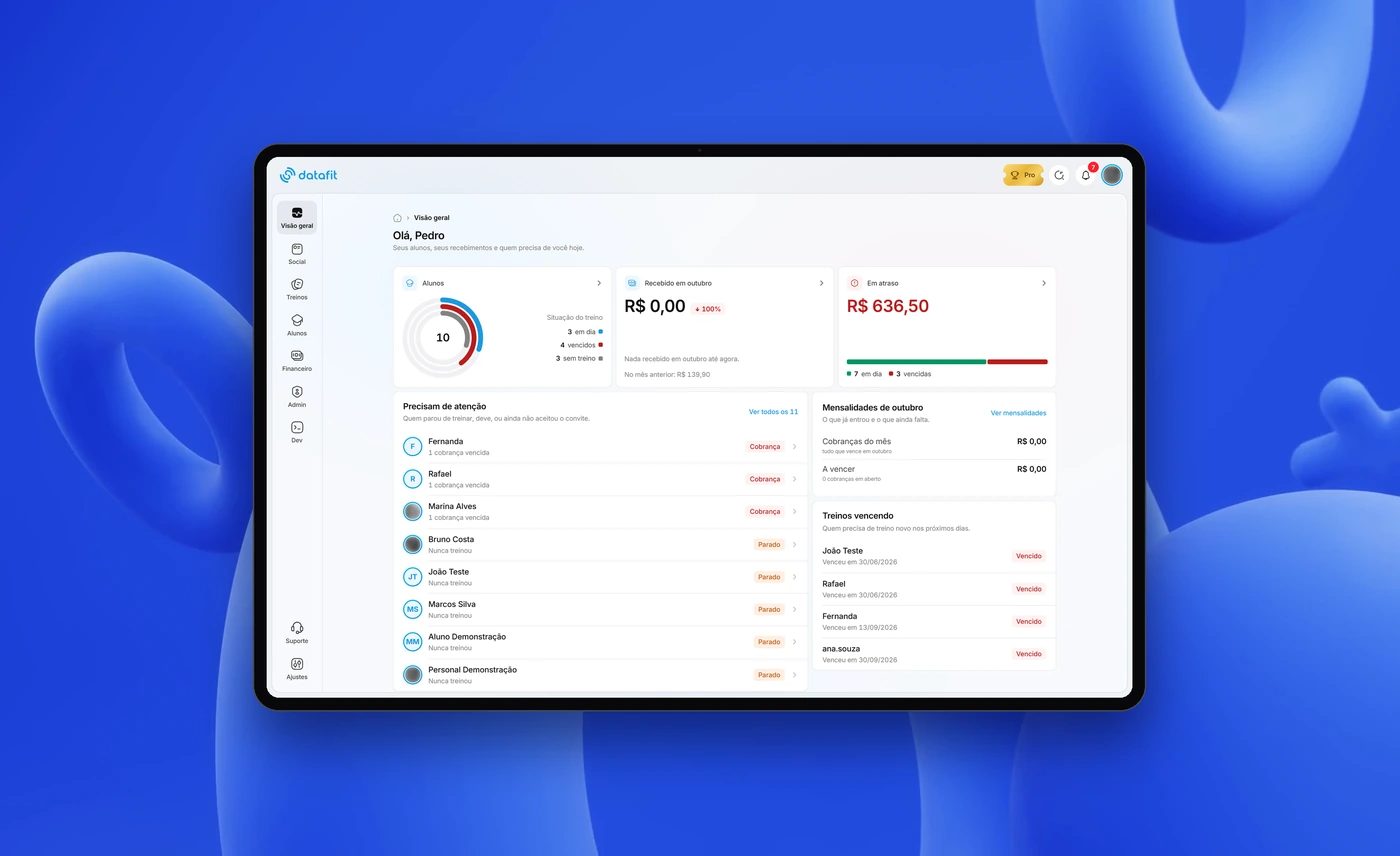
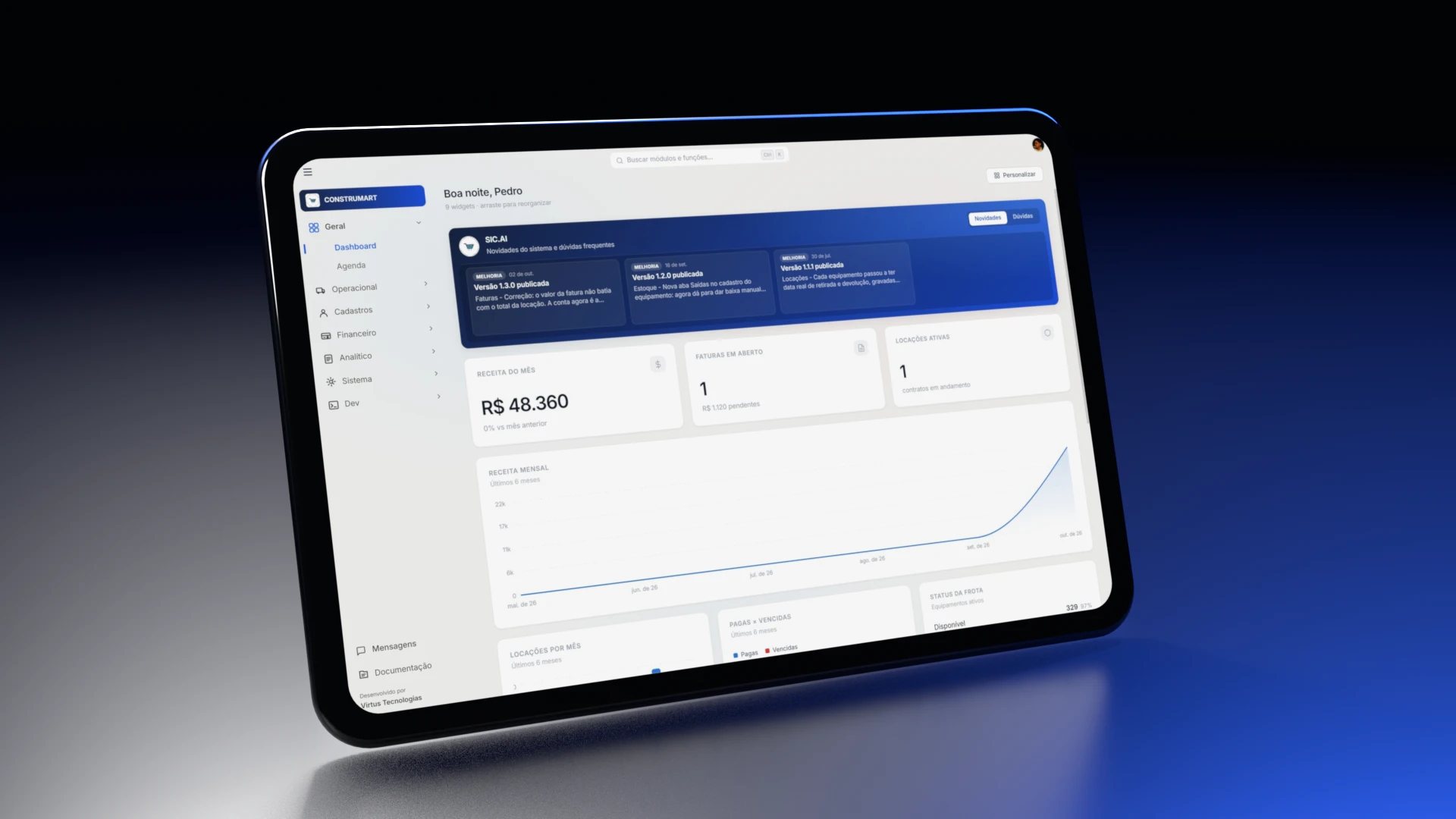
Related work

More technology services
All technologyConversion website
A page built to turn visits into contacts, not just to look good.
See the service
Custom systems
Software designed for operations a spreadsheet can no longer hold.
See the service
Automation and integration
Repetitive manual work becomes a flow that runs on its own, and tools that never talked start exchanging data.
See the service
App development
Your own app for Android and iOS, built for your workflow.
See the service